




 Monthly Installment Starting
from
Rs.319(view details)
Monthly Installment Starting
from
Rs.319(view details)

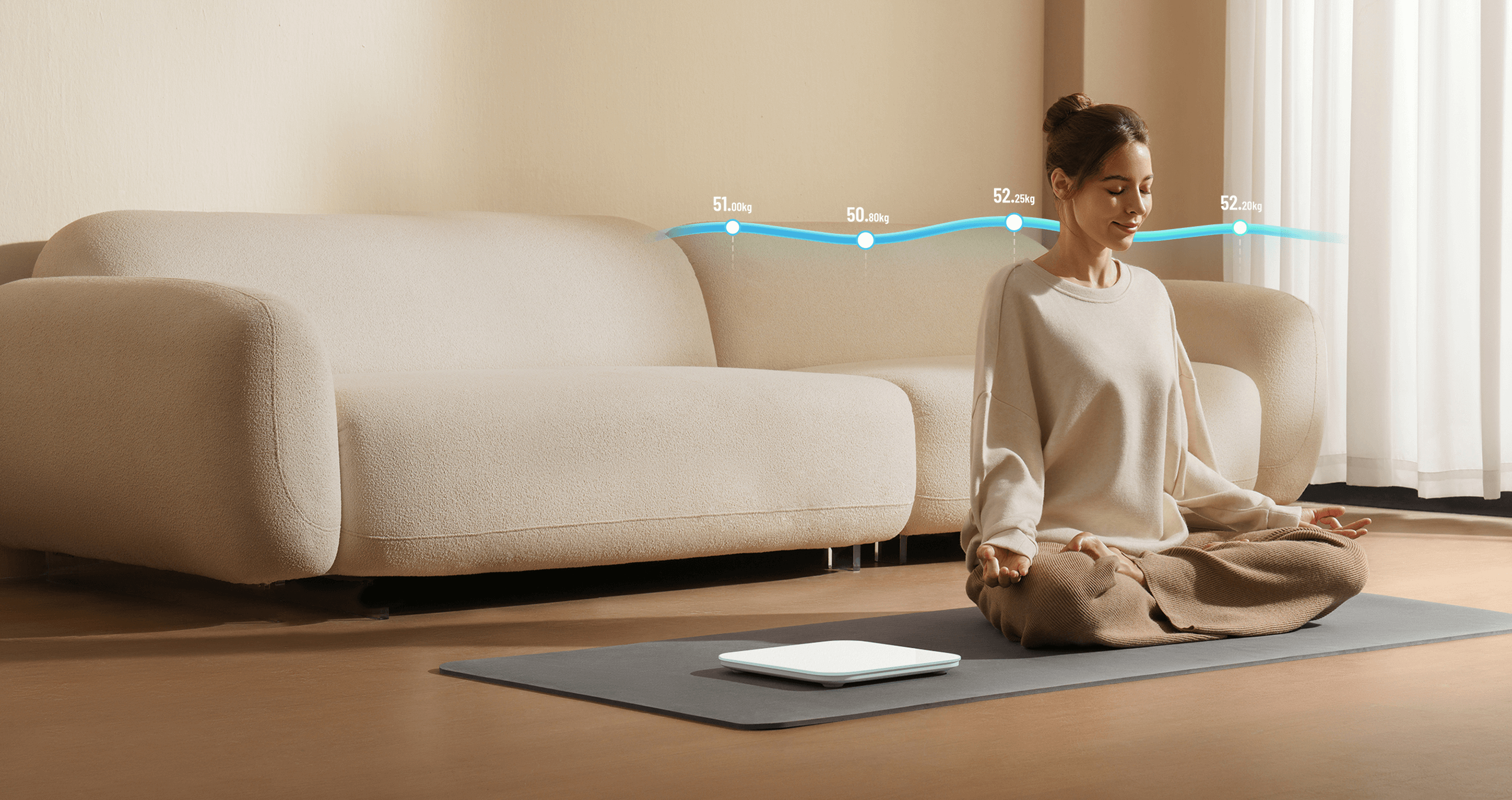
Produces a personalised weight report for quick progress tracking
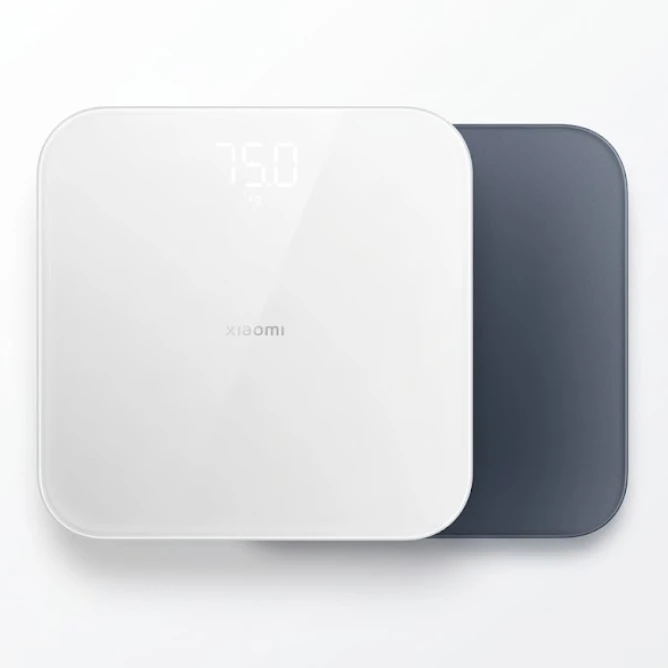
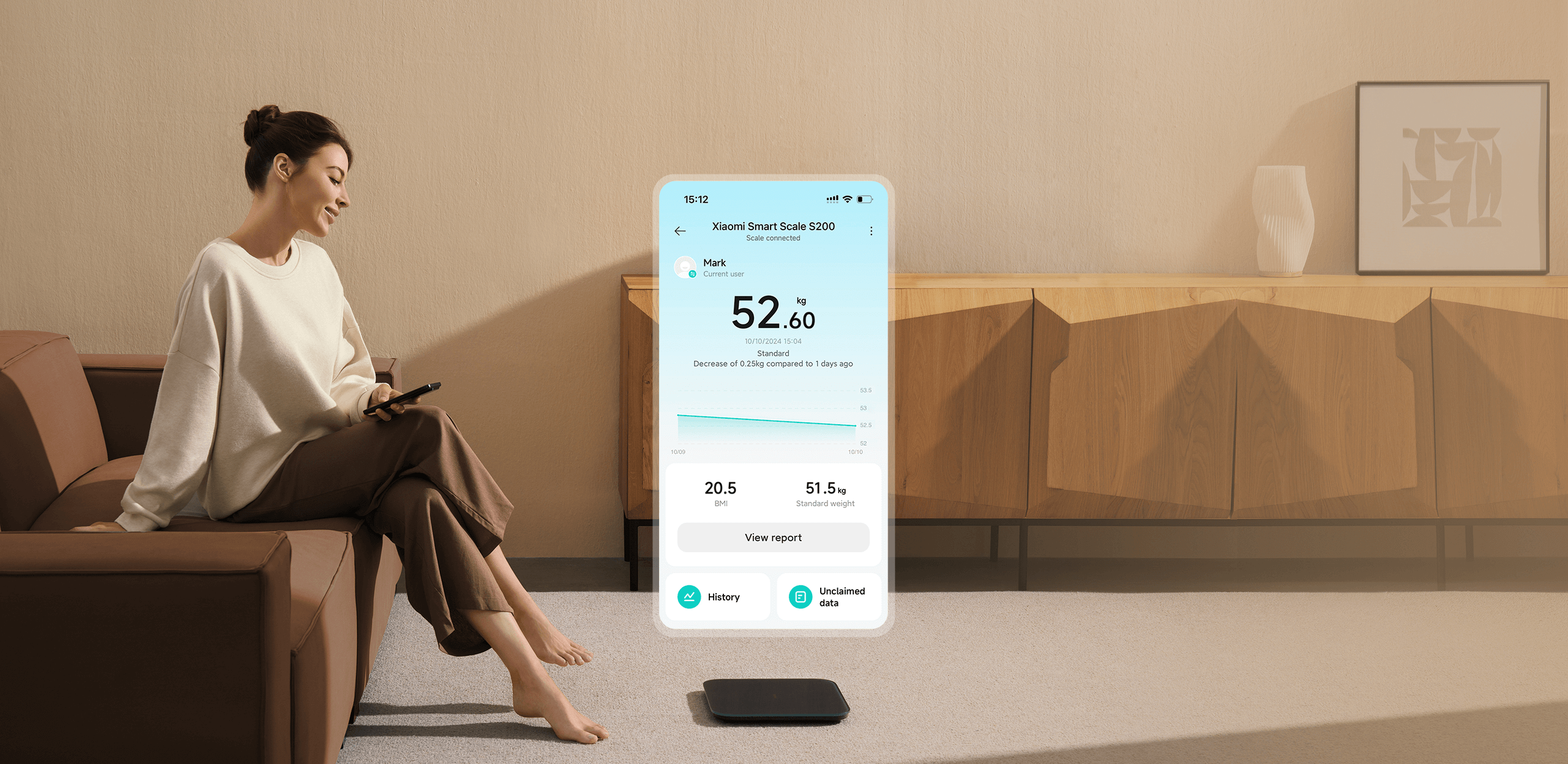
Daily measurement data can be used to generate a customised weight report through the Xiaomi Home app. Easily track your weight trends over weeks, months and years.
Supports balance testing to monitor your stability
The Xiaomi Smart Scale S200 features balance testing*. By balancing on one foot on the scale, you can read the data on the Xiaomi Home app to understand your body coordination, stability and reaction times better.
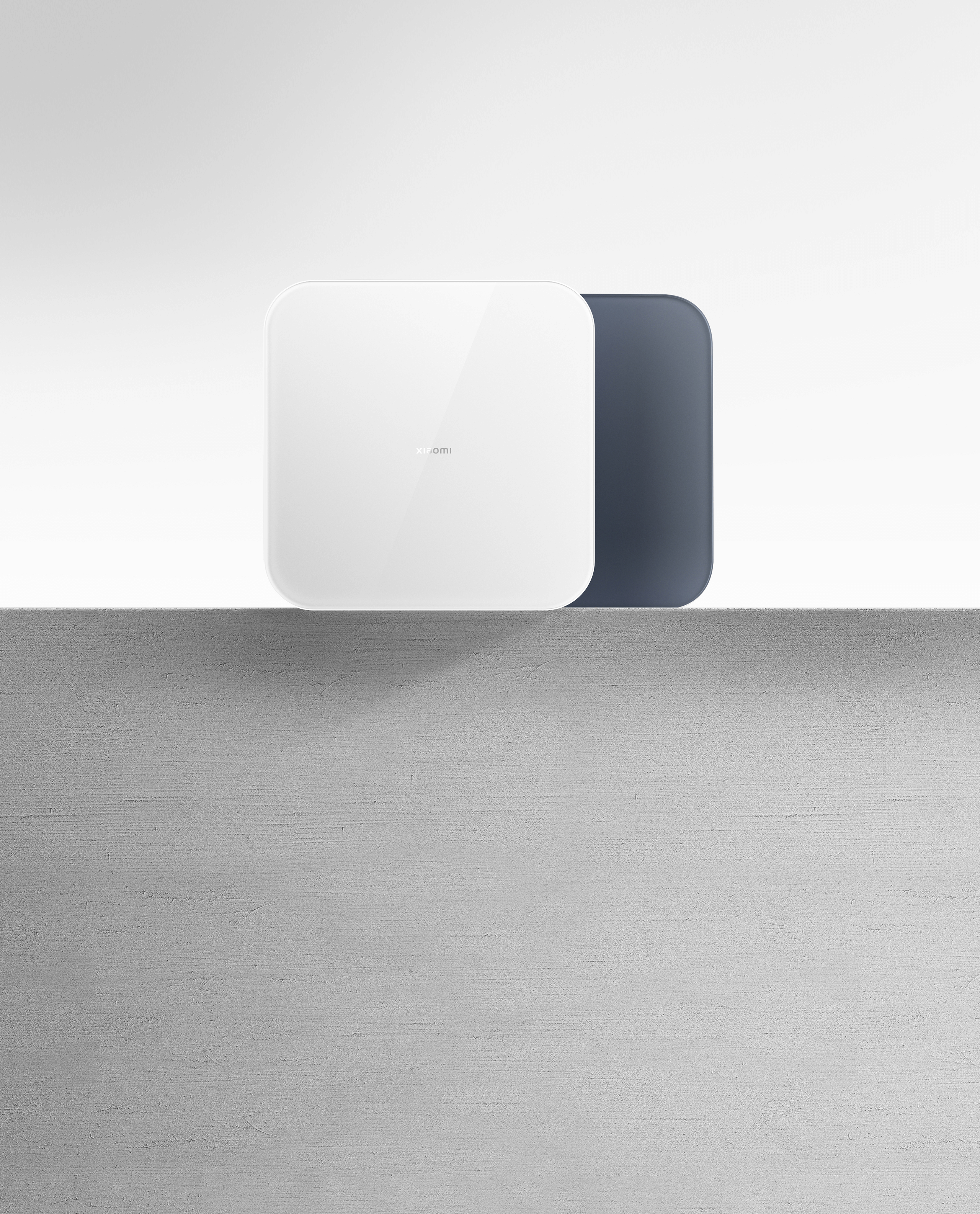
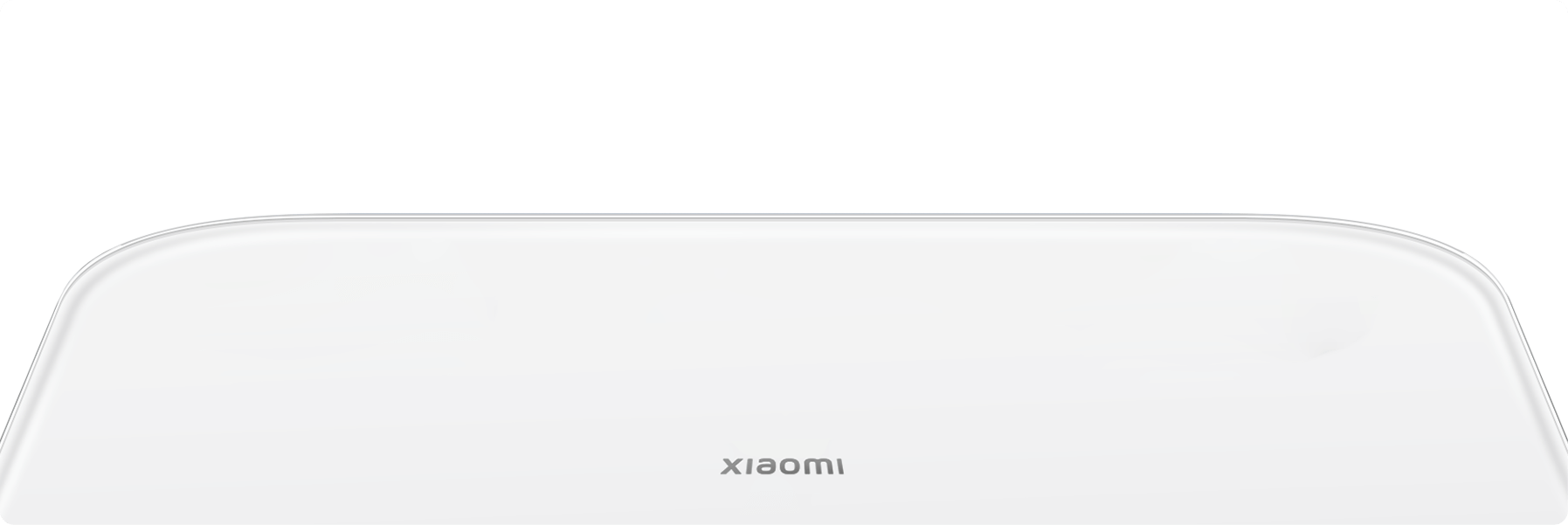
Smooth surface
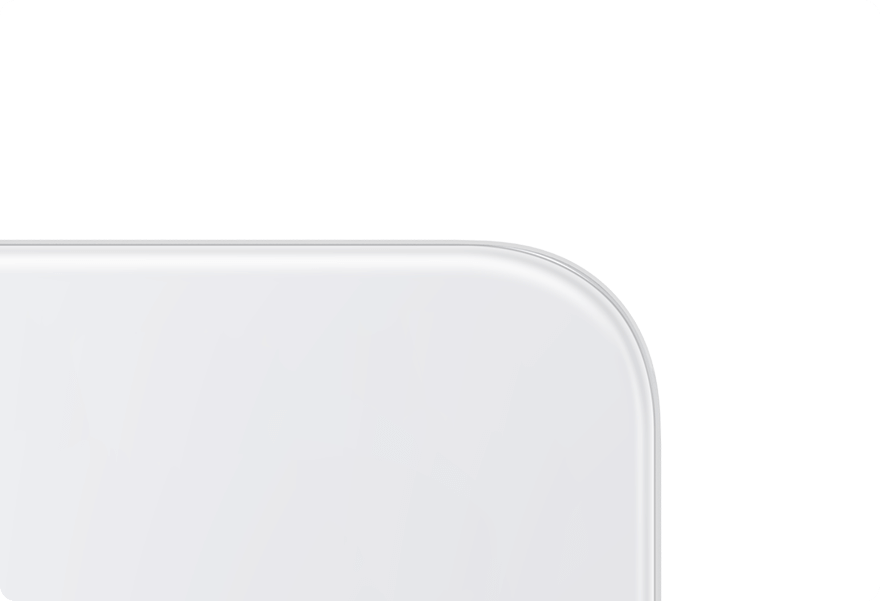
Rounded edges
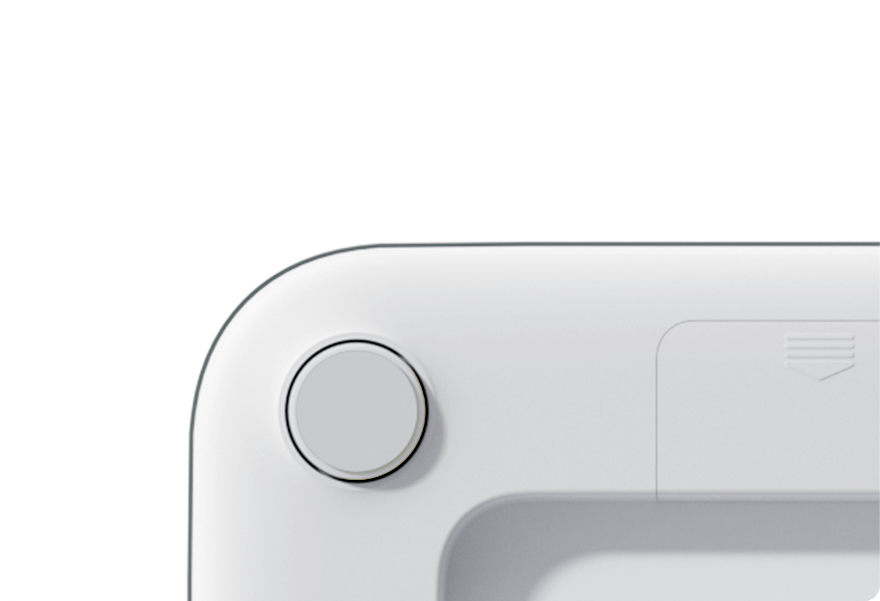
Curved base
Q&A
Which apps can the Xiaomi Smart Scale S200 be linked to?
1. It can be linked to the Xiaomi Home app.
2. It cannot be linked to other apps such as Mi Fitness and Zepp Life. Data synchronisation is not supported.
How do I link my scale to the app?
Please follow the steps below to connect for the first time:
1. Download and open the Xiaomi Home app.
2. Step on the scale to activate it.
3. In the Xiaomi Home app, tap the "+" icon in the top right corner, select "Add a device", and choose "Xiaomi Smart Scale S200" from the device list. Wait for the app to find the scale.
4. Select the device you want to link to, tap "Connect device" and wait for it to link. If the pairing fails or the device is not found, please press and hold the "Reset" button with an ejection pin for 7 seconds to reset the scale and try again.
What do I do if the app is unable to connect to the scale?
Please follow the steps below:
1. Step on the scale to activate it.
2. Be sure to use the Xiaomi Home app for connection. Please note, the scale does not support connecting to Mi Fitness or other apps. It also doesn't support pairing through Settings > Bluetooth on your smartphone.
3. In the Xiaomi Home app, go to Profile > Additional settings > Region and ensure it is set to your local country.
4. Please ensure your smartphone's operating system has been updated to Android 8.0 or iOS 12.0 or later.
5. Please ensure the Xiaomi Home app is updated to iOS 8.7.204 or Android 8.7.703 or a later version. Please update or reinstall the app if necessary.
6. If the connection still fails, open the battery cover at the bottom of the scale, press and hold the reset button for 7 seconds and then reset your smartphone's Bluetooth. Delete the scale from the Xiaomi Home app and connect again.
What does it mean when I see the prompt "Bluetooth gateway not connected"?
1. The Bluetooth gateway is used to synchronise measurement data when the scale is not connected to the app. When the Xiaomi Home app displays the prompt, "Bluetooth mesh gateway not connected", it does not mean the scale is faulty, but rather that the scale is not connected to the Bluetooth gateway device.
2. This function requires you to have a Bluetooth gateway device at home. Please ignore if you do not have one.
3. After the scale is paired for the first time, please wait 1–5 minutes for the scale to automatically connect to the gateway. If the connection fails after 5 minutes, please reboot the Bluetooth gateway.
What is a gateway and which devices are considered gateways? Which of my devices at home have gateway functionalities?
1. A Bluetooth gateway device supports both Wi-Fi and Bluetooth connections. It can connect to the Internet independently and assists Bluetooth gateway sub-devices in accessing the Internet.
| Name | Xiaomi Smart Scale S200 |
| Dimensions | 280 x 280 x 24.5mm |
| Measurement unit | kg/lb |
| Casing material | Tempered glass, engineering plastic |
| Operating temperature | 0°C to 40°C |
| Net weight | 1.2kg |
| Weighing range | 0.1–150kg |
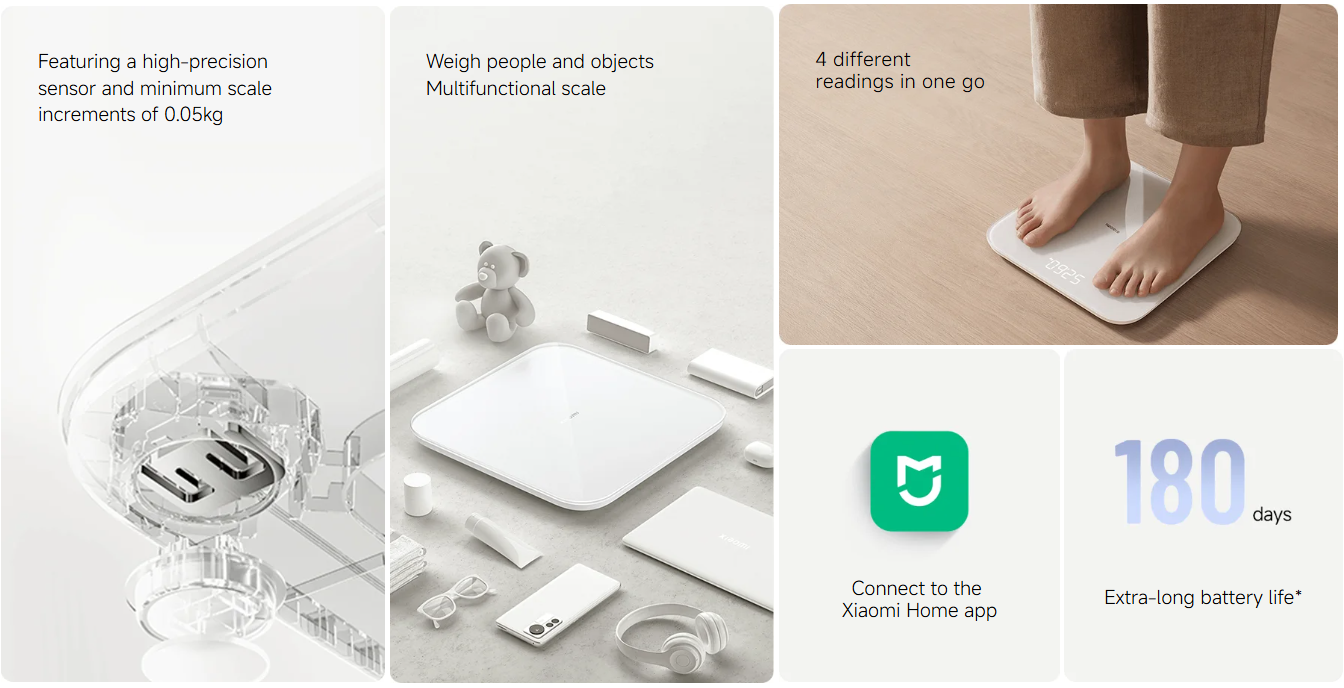
| Minimum scale increments | 0.05kg |
| Wireless connectivity | Bluetooth Low Energy 5.4 |
| Rated power | 450mW |
| Rated voltage | 4.5V (AAA battery x3) |
| Model | MJTZC02YM |
| Compatible with | Android 8.0 or iOS 12.0 and above |
| Package contents | Xiaomi Smart Scale S200, User manual, Warranty card |
We Support the following Payment Methods








| Months | Handling Fee | Per Months (Rs) |
|---|---|---|
| 6 | 0% | 1,275 |
| 12 | 0% | 638 |
| 20 | 0% | 383 |
| 24 | 2.5% | 319 |
Terms & Conditions
Easy payment plans from Sampath Bank apply to transactions over Rs.5,000.
Once your order is complete, the site will automatically redirect you to the EMI payment gateway. Bank handling fee, possibly a one-time fee, may apply. Confirm details with your bank before purchasing. This plan can be used for single or multiple purchases within your balance and credit limit.